

A holiday photo you never meant to make public is showing up when people search your name. If you want to remove your personal photos from Google, there is a defined path, and this guide walks it. An old profile picture from a forum you had forgotten sits in Google Images, right next to your face. A private image, shared once in trust, has surfaced on a site you have never heard of. Any of these can make you want the picture gone today, and gone everywhere, before a colleague or a relative sees it. For the wider ground beyond images, our pillar on how to remove content from Google sets out the full landscape.
This guide is about removing your own personal photos from Google Search for privacy reasons, not about fighting a smear or a defamatory post. It walks through Google's own tools, the difference between deleting an image and hiding it, the DPDP Act route in India, and the point where a court order becomes necessary. It is written plainly, for the person who is worried right now and wants to know what actually works.
Quick answer: how to remove your personal photos from Google
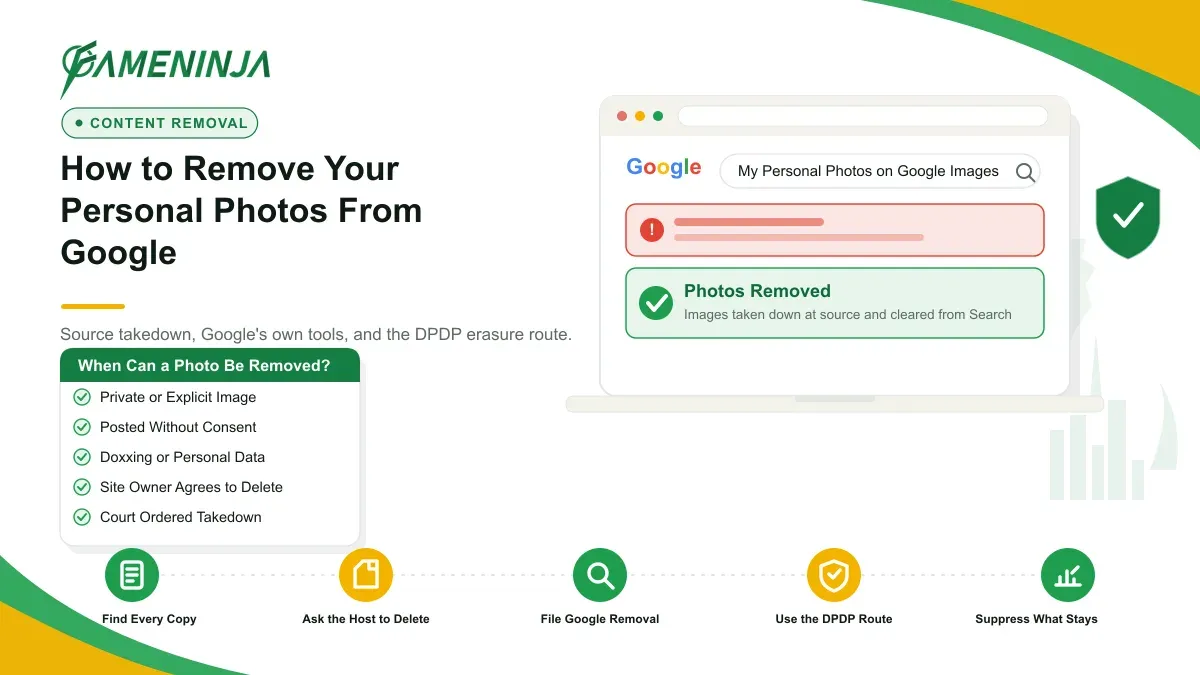
To remove your photos from Google, first ask the site owner or host to delete the image at its source. If that fails, use Google's Results about you tool and personal-content removal forms to drop the image from Search. For private or explicit images, Google removes them under its own policy, and India's DPDP Act adds an erasure route.
Which removal route fits your photo
The route you take depends on three things: what the photo shows, where it lives, and what right you have to demand its removal. Sort those out first and you avoid weeks of wasted effort.
Ask what the image is. A normal, non-sensitive photo of your face is treated very differently from a private or explicit image. Google removes intimate images, doxxing content, and images of minors under clear policies. An ordinary photo you simply dislike is a harder case, and Search will rarely drop it on request alone.
Ask where it lives. There is a real difference between the web page that hosts the photo and the copy Google shows in its results. The page is the source. Google Search is a mirror. Clearing the mirror without touching the source usually brings the image straight back.
Ask what power you have to demand removal. If you own the account or the site, you can delete the photo yourself. If someone else posted it, you depend on the platform's rules, Google's policies, or the law. Knowing which one applies tells you how hard the removal will be.
Start with Google's "Results about you" tool
Google's Results about you tool is the quickest place to start when your personal details or images surface in Search. Signed in to your Google account, you can scan for results that mention you, then request removal of the ones that expose personal contact information such as your phone number, home address, or email.
The tool is built mainly for personally identifiable information, not for every photo you would rather hide. That distinction matters. If a result exposes your contact details next to your image, you have a strong case. If it is only a picture of your face on a public page, this tool alone may not be enough.
For images specifically, Google's personal-content removal policies do more. They cover non-consensual explicit imagery, fake explicit content, images of minors, and personal information shared to harass. If your photo falls into one of these, use the dedicated removal request rather than the general tool, because a clear policy match is what gets a result taken down.
Availability of the Results about you dashboard can vary by country and language. If you cannot see it, the individual removal-request forms still work, and they lead to the same review.
Remove the photo at the source, not just from Google
The removal that lasts is the one at the source. Google Search shows images that live on other websites. If the underlying page keeps the photo, Google will keep finding it, so the site owner or host is your first target for a real deletion.
Contact the website owner and ask them to remove the image or the page. Look for a contact address, a privacy or grievance email, or a takedown form. Be specific. Give the exact URL, describe the image, and state that it is a personal photo of you that you want removed. Keep the request polite and factual, and keep a copy of everything you send.
If the site ignores you, go to the host. Every site runs on a hosting company, and many hosts act on privacy complaints even when the site owner will not. You can find the host through a WHOIS lookup or a hosting-checker tool, then send the same request to their abuse or privacy contact.
Once the source page is gone or updated, tell Google. A deleted page can still show as a stale result or a cached image for a while. Google's Remove Outdated Content tool asks Search to recrawl the page and drop the old version once it confirms the image is no longer there. This tool only works after the source has actually changed. It cannot remove a live image.
One honest limitation. Google does not remove an ordinary, non-sensitive photo of you from Search simply because you want it gone. Its removal policies are built for explicit images, doxxing, images of minors, and a few other categories. For a plain photo on a page you do not control, your realistic options are source removal, the DPDP route, or suppression, not a quick Search takedown.
How to remove your personal photos from Google, step by step
Work through these steps in order. The first one protects you if the image ever spreads, so do it before anything else.
- Save your evidence. Before you ask anyone to remove anything, record the page URL, the direct image URL, and a full screenshot with the date visible. Save it offline. If the image is later re-uploaded, this record supports a stronger complaint or a legal notice.
- Identify every copy. Run a reverse image search and a search of your name to see where the photo appears. One photo often sits on several pages. Listing them now saves you from removing one and missing the rest.
- Delete what you control. If the image is on your own account, profile, or website, remove it there first. This is the fastest full deletion available, and it clears the source in a single move.
- Ask the site owner or host to remove it. For photos on sites you do not control, send a clear, factual removal request to the owner, then the host if needed. State that it is your personal image and, where it applies, that it is private or was shared without your consent.
- Use Google's tools for Search. Open the Results about you tool for results that expose your contact details, and the personal-content removal forms for explicit images, images of minors, or doxxing. After a source page is removed, run the Remove Outdated Content tool to clear the stale result.
- File a DPDP erasure request in India. If a company or website is processing your image as your personal data, you can ask them to erase it under India's data-protection law. We cover this next.
- Escalate to a legal notice or court order when a host refuses. For a stubborn or offshore host, a lawyer's notice, and if needed a court order, changes what a platform is willing to do.
If, at any point, the image is intimate or was shared to threaten you, treat it as urgent and read our guidance on MMS and intimate-image removal in India, which covers the faster, dignity-first routes for those cases.
The DPDP Act erasure route for your images in India
India's Digital Personal Data Protection Act, 2023, gives you a right to ask an organisation to erase your personal data, and a recognisable photograph of you is personal data. This is the route people mean when they talk about a right to erasure for images in India.
Here is how it works in plain terms. A business or website that collects and uses your image is a data fiduciary. You are the data principal. Under the Act, you can ask that fiduciary to correct or erase your personal data, and they are expected to act unless a legal reason requires them to keep it. The Ministry of Electronics and IT publishes the framework and updates at meity.gov.in.
The route fits some situations better than others. It works best against an identifiable company that is clearly processing your data, such as an Indian business, an app, or a service that holds your photo. It is weaker against an anonymous website, a foreign host with no India presence, or purely personal or journalistic use, which the law treats differently.
This is general information, not legal advice. The DPDP framework is still settling into everyday practice, and how a specific fiduciary or the Data Protection Board responds can vary. For the wider picture on erasure and the right to be forgotten, our explainer on the right to be forgotten in India goes further.
When a court order becomes necessary
A court order enters the picture when the easy routes run out. Platforms and Google act quickly on clear policy violations, such as non-consensual explicit imagery. For a contested image, or a host that ignores every request, they often want a court direction before they remove or deindex it.
The signs that you are heading toward a court order are consistent. The host is offshore and unresponsive. The image is not explicit, so it does not fit a fast-track policy. The site is demanding payment to take it down. In these cases, a lawyer can send a formal notice, and if that fails, seek an order directing the platform or search engine to remove or deindex the content.
This is general information, not legal advice. The right remedy depends on the facts, and an overbroad request can be refused. Before spending on litigation, have someone who handles these matters regularly assess whether an order is realistic and worth it.
Suppression versus deletion: what is realistically possible
This is the part that decides your expectations, and confusing the two ideas is what most people get wrong. Deletion and suppression are different outcomes, and an honest plan usually needs both.
Deletion means the photo is gone from the source. The page is removed, the account is closed, the image no longer loads. It is realistic when you control the image, when a platform rule or the law clearly requires removal, or when a host cooperates. For private and explicit images, deletion is the goal and is often achievable.
Suppression means the photo still exists somewhere, but you push it down and out of easy view by strengthening the genuine, positive content about you. You suppress when deletion is not on offer: the host will not act, the photo is mirrored across many sites, or a court order is still pending. The image survives, yet a person searching your name is far less likely to reach it.
Most privacy cases end with a mix. You delete what you can force down, and you suppress what refuses to disappear. Anyone promising to erase every copy of a widely shared photo, on a fixed date, is not being straight with you. The realistic aim is to remove the source where possible, clear the Search results, and rebuild the first page so your real, chosen images are what people find. That ongoing work is what a broader online reputation management plan is for.
How your photos shape what AI search says about you
Search is no longer only a list of links. When someone asks ChatGPT, Perplexity, or Google's AI Overviews about you, the assistant writes a short summary from whatever it can find, and images are part of that picture. A photo that ranks widely can shape which version of you the model presents.
Two effects matter here. First, the images an AI engine surfaces or describes often come from the same pages that rank in normal Search, so a photo you have not cleared can keep reappearing in AI answers. Second, these systems lean on sources they read as consistent and credible, which means scattered or outdated images can produce a confused or wrong impression of who you are.
The work changes accordingly. Deleting an image protects the Search results. Correcting the AI picture needs a second layer: accurate, well-labelled photos and consistent details on the profiles and pages these systems trust. When your genuine images and facts line up across the web, the model has a truthful version to draw from. Fixing Search while ignoring the AI layer leaves half the problem in place.
A note on privacy, and one pattern we see
For anyone dealing with a private image, the worry is rarely abstract. It is the fear that a parent, a partner, or a client will see it. Treat yourself with the same steadiness you would offer a friend in this position. Save your evidence, work the steps in order, and ask for help early rather than late.
Without naming anyone, the pattern we see most often looks like this. A professional finds an old or private photo of themselves in Google Images, panics, and spends days firing messages at the wrong contacts while the image stays put. Meanwhile the source page is never touched, so every result they clear quietly returns. The cases that resolve most smoothly are the methodical ones. Evidence saved first. Every copy listed. The source page removed or updated. Google's tools used correctly, and the DPDP or legal route opened only where it fits. Calm and order beat speed and panic.
If the image is not private but genuinely damaging or defamatory, that is a different job with different tools. Our guide on how to remove negative images from Google covers that side.
If you are dealing with this now
A photo you did not choose to share can feel like it defines you online. It does not have to. Many personal images can be removed at the source, cleared from Search, or pushed down where deletion is not possible, and the steps above work when they are done in order.
If you would rather have an experienced team handle the source removal, Google's forms, the DPDP route, and the search cleanup discreetly, we can help. You can chat with us on WhatsApp for a quiet, honest assessment, or request a Free ORM Report and we will tell you plainly what is deletable, what needs a court order, and what only suppression can fix.
For more India-specific guidance, our blog covers court records, image removal, and reputation repair.